Design2 min read
What a design system really costs – and when it pays you back
Year one always costs more than the spreadsheet says. Year three is where it earns its keep. Here’s how we budget design systems honestly.
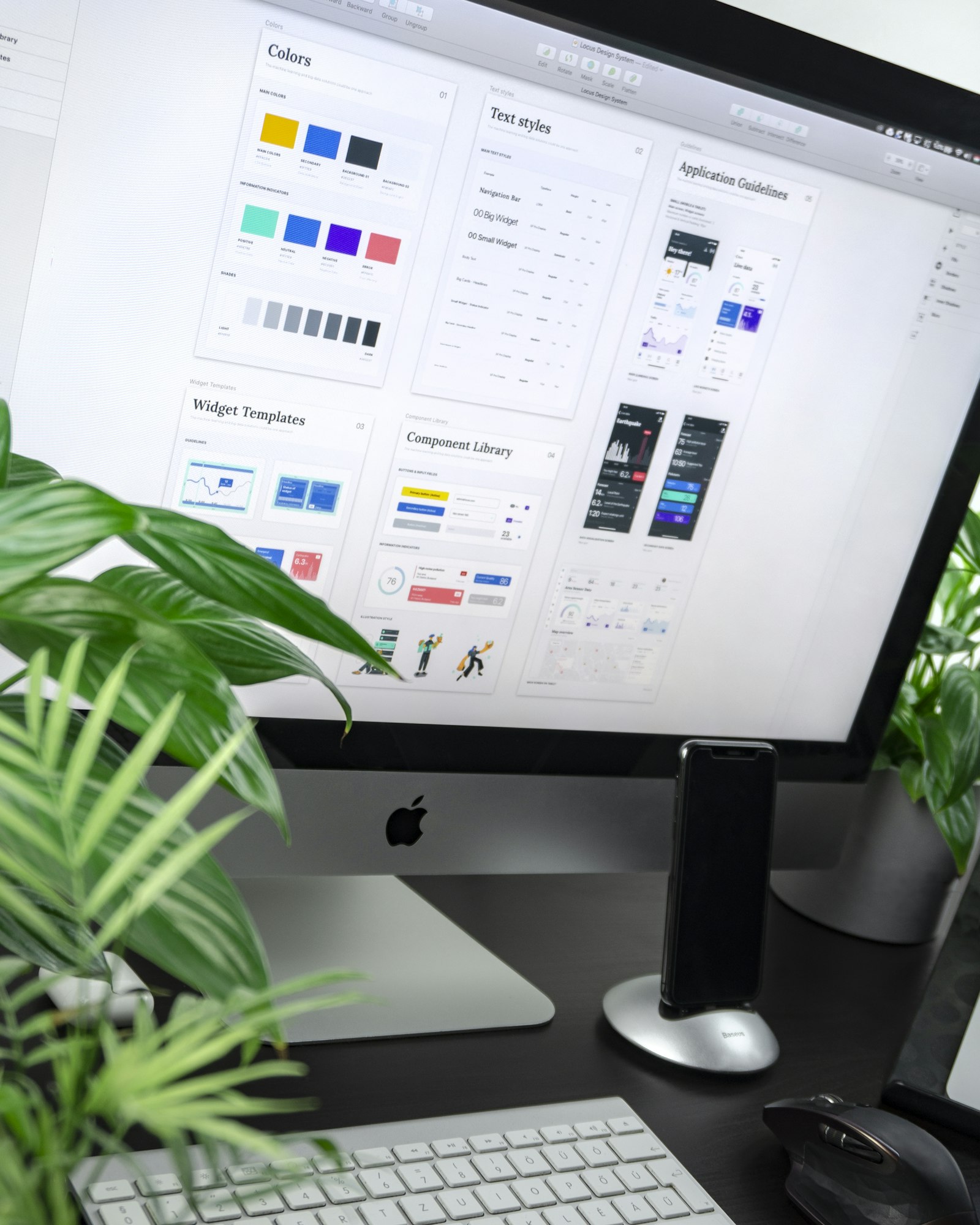
Every few months a client asks us for a design system, and every few months we have the same slightly awkward conversation about money. Not because design systems are bad value – they’re often the best investment a digital team can make – but because the cost is almost always pictured wrong.
The usual picture is a one-off project: a few weeks of design, a library of components, done. The reality looks more like a small product, with a launch, users, bugs and a roadmap.
Where the money really goes
When we break down the first year of a design system for a mid-sized team, the components themselves are rarely the biggest line. The money goes into four places:
- Auditing what already exists, which usually turns up eleven shades of blue and five different date pickers.
- Designing and building the core components, with every state, size and edge case.
- Moving the existing product onto them, screen by screen, without breaking anything.
- Looking after the system: documentation, support, reviews and new requests.
The first two are what people budget for. The last two are what decide whether the system succeeds.
A design system nobody migrates to is just a very well-organised Figma file.
Why year one feels expensive
In the first year, your team is doing two jobs at once: building the system and still shipping features on the old patchwork. Velocity often dips for a quarter or two before it recovers. If nobody warned the leadership team about that dip, the project starts to look like a mistake right when it most needs patience.
We now put the dip in the plan on purpose. It turns a nasty surprise into a milestone.
When it starts paying back
The return shows up in three ways, and they arrive in this order.
First, consistency. Within a few months, new screens simply look like they belong together, and design reviews stop being arguments about padding.
Second, speed. Once most of the product runs on shared components, building a new page becomes assembly rather than invention. On the systems we’ve built, teams typically ship new screens noticeably faster by the end of the second year.
Third, quality you don’t have to think about. Accessibility, dark mode and responsive behaviour are fixed once in the component, not hundreds of times in the product.
Is it worth it for you?
A rough rule we use: if you have more than one product team, more than one platform, or plans to redesign in the next two years, a design system will almost certainly pay for itself. If you’re a single team with a single product, a well-kept component library and a short style guide may give you most of the benefit at a fraction of the cost.
Either way, budget for the people who will look after it, not just the people who will build it. That’s the line that turns a design system from a project into an asset.
Keep reading
All articles- Design
2 min read
Motion that delights without making anyone dizzy
Reduced motion isn’t an afterthought. The patterns we use to keep animation inclusive – and still lovely.
- Development
2 min read
Core Web Vitals in 2026: what still moves the needle
INP has replaced FID and the bar keeps rising. A practical checklist from the launches we’ve shipped this year.
- Branding
2 min read
Five signs it’s time for a brand refresh
Not every dip in sales needs a new logo. These are the signs that your brand really is holding you back.


Like how we think?
From the journal to your brief.
Everything we write about, we also do for clients. Send us a challenge – the person who wrote the article may well be the one who answers.
Or write to us